OverTheWire Bandit — Level 0 to Level 10 Writeup
Writeup for OverTheWire Bandit levels 0 through 10. Covers basic Linux file reading, hidden files, find command, strings, sort/uniq, and base64 decoding.
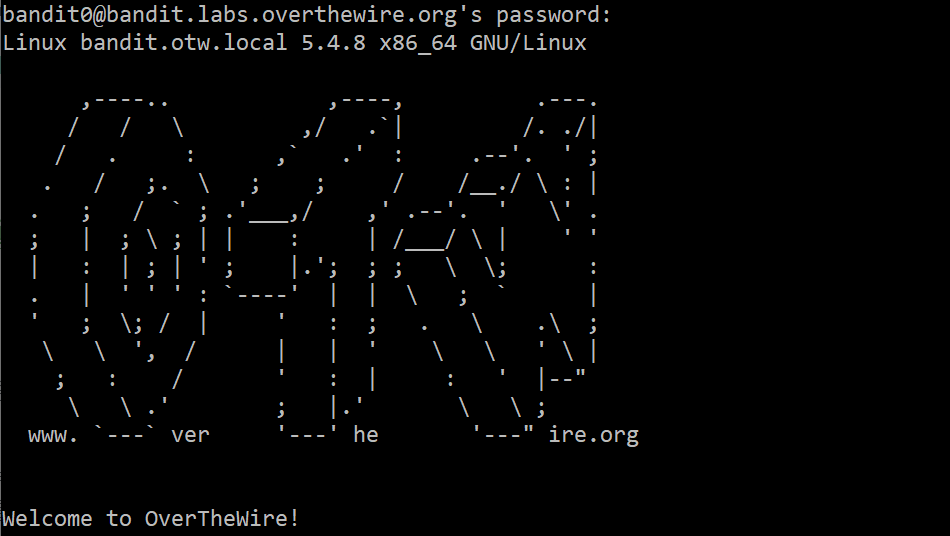
Bandit is a wargame by OverTheWire designed for absolute beginners to learn Linux basics through practical challenges. Each level gives you a clue — you have to find the password for the next level.
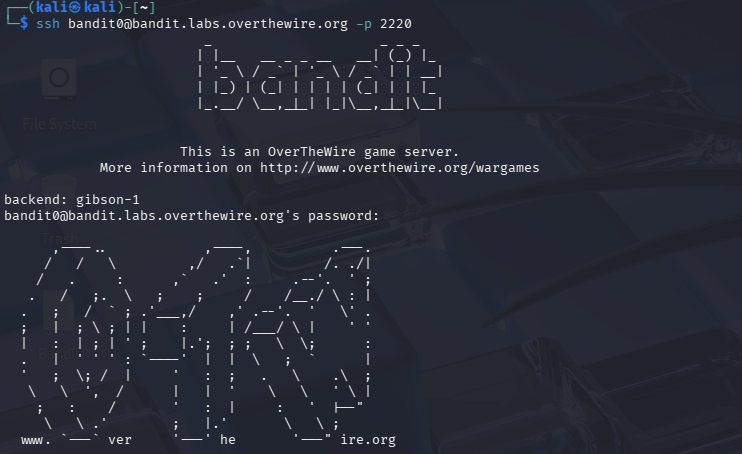
Connection: ssh bandit0@bandit.labs.overthewire.org -p 2220
Level 0 → Level 1
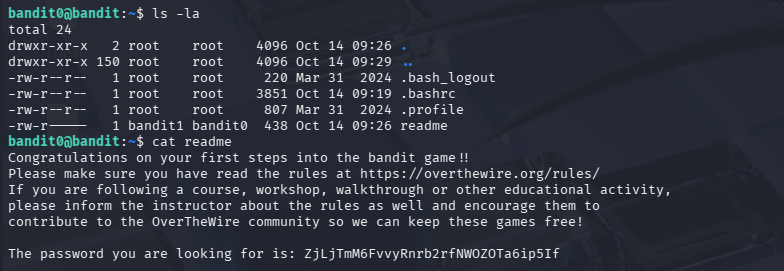
Goal: The password is stored in a file called readme in the home directory.
1
cat readme
Explanation: cat reads and prints the contents of a file to the terminal.
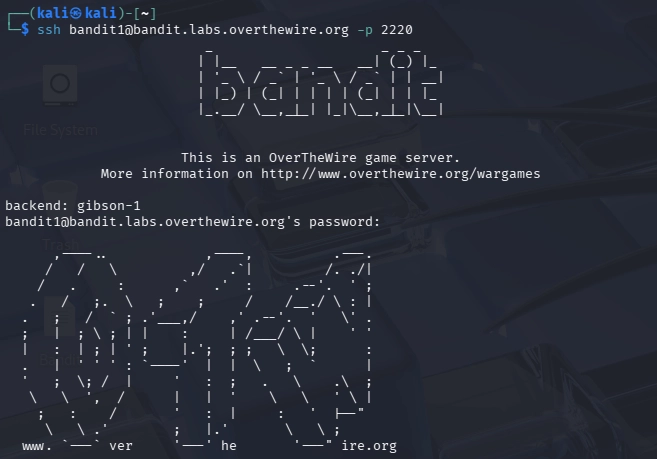
Level 1 → Level 2
Goal: The password is stored in a file called -.
1
cat ./-
Explanation: The dash (-) is interpreted by the shell as “read from stdin” instead of a file. Prefixing with ./ tells the shell it’s a file path, not a flag.

Level 2 → Level 3
Goal: The password is in a file called spaces in this filename.
1
cat "spaces in this filename"
Or using tab completion — type the first letter and press Tab.
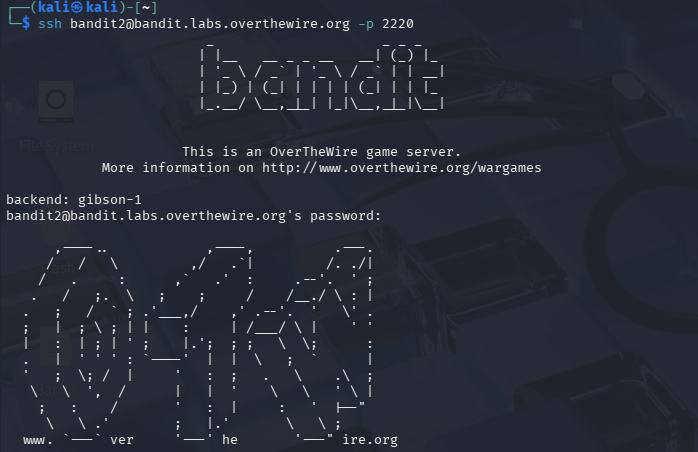

Level 3 → Level 4
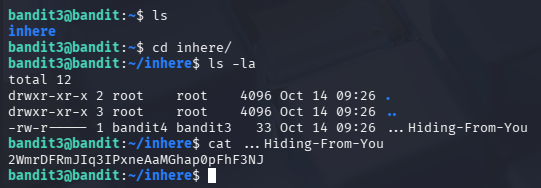
Goal: The password is in a hidden file in the inhere directory.
1
2
3
cd inhere
ls -a
cat .hidden
Explanation: In Linux, files starting with . are hidden and won’t show with a plain ls. The -a flag reveals them.
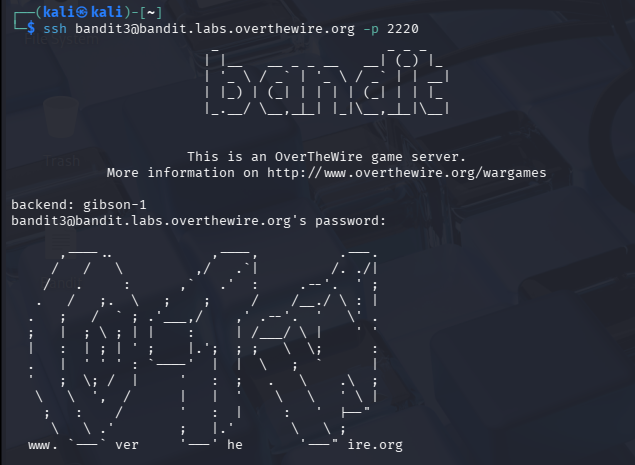
Level 4 → Level 5
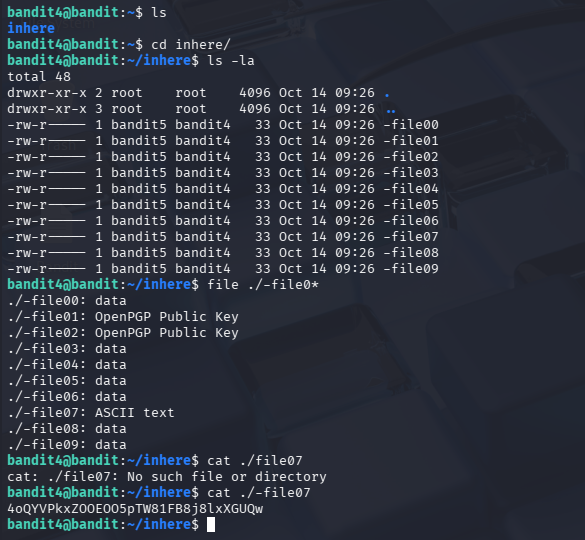
Goal: The password is in the only human-readable file in the inhere directory.
1
2
3
cd inhere
file ./-file*
cat ./-file07
Explanation: The file command identifies the type of each file. Use it with a wildcard to check all at once — the one labeled “ASCII text” is the human-readable one.
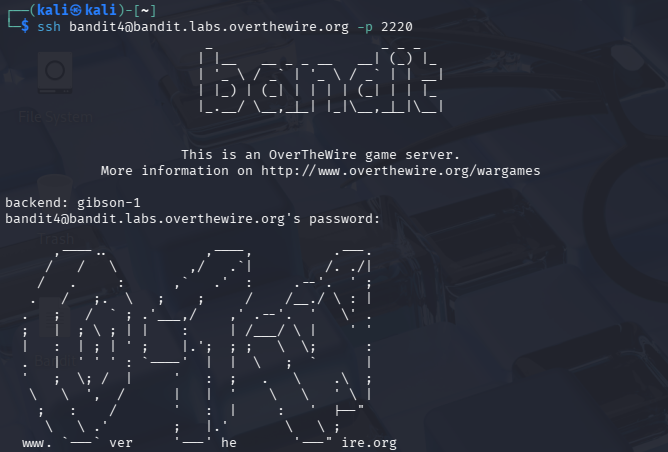
Level 5 → Level 6
Goal: File is human-readable, 1033 bytes, and not executable.
1
find . -type f -readable ! -executable -size 1033c
Explanation: The find command with -readable, ! -executable, and -size 1033c (c = bytes) narrows it down precisely.

Level 6 → Level 7
Goal: File is owned by user bandit7, group bandit6, and is 33 bytes.
1
find / -type f -user bandit7 -group bandit6 -size 33c 2>/dev/null
Explanation: Searching from / (root) covers the whole server. 2>/dev/null redirects permission-denied errors to null so they don’t clutter the output.

Level 7 → Level 8
Goal: Password is in data.txt next to the word millionth.
1
grep "millionth" data.txt
Explanation: grep searches inside the file and returns only the matching line. Fast and simple.

Level 8 → Level 9
Goal: Password is the only line that occurs exactly once in data.txt.
1
sort data.txt | uniq -u
Explanation: sort arranges lines alphabetically so duplicates are adjacent. uniq -u then prints only lines that appear exactly once.

Level 9 → Level 10
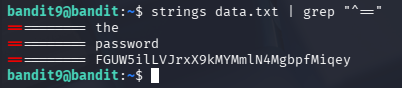
Goal: Password is in data.txt among the human-readable strings, preceded by several = characters.
1
strings data.txt | grep "==="
Explanation: strings extracts all human-readable text from a binary file. Piping to grep "===" filters for lines starting with multiple = signs as described.
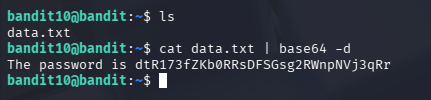
Level 10 → Level 11
Goal: Password is in data.txt which contains base64-encoded data.
1
cat data.txt | base64 -d
Explanation: base64 -d decodes base64-encoded text back to its original form.
If you have any questions, feel free to reach out on LinkedIn or Discord